
Start with a 7-day free trial — then just $99 one-time, no subscription.
Find the embroidery designs you already own.
See your designs as pictures, even inside ZIP files. Find one that fits your hoop, add a name, and save it for your machine.
Windows 10 & 11 · Mac with Apple Silicon (M1 or newer)
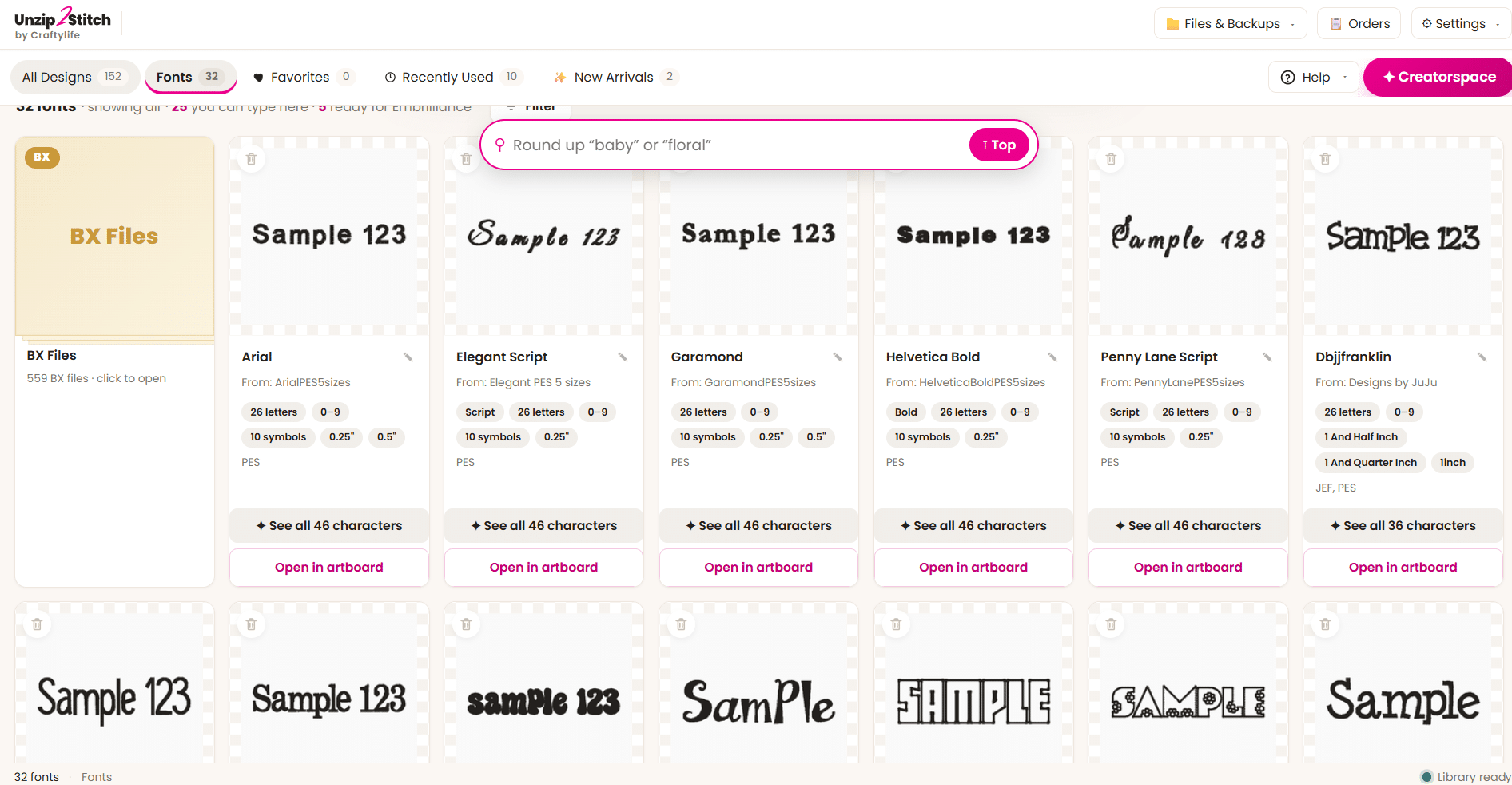
Search a folder of designs, including ZIP files.
Add a name, combine designs, or change thread colors.
Check hoop fit and save in a supported machine format.
Start with one folder you already own.
Import a folder and look for a design you remember buying. Once you find it, open it in Studio and try adding a name.
Watch the library walkthrough
Try Studio for 7 days.
Use your own collection to see how Studio fits your embroidery workflow. No card needed to start.
Before you download
Can I keep using my other embroidery software?
Yes. Start with one folder and try Studio alongside the software you already use.
Will Studio run on my computer?
Studio is available for Windows 10 and 11 and for Apple Silicon Macs (M1 or newer). On a Chromebook, try Unzip2Stitch Lite in your browser.
What happens after 7 days?
If you decide to buy Studio, it’s a $99 one-time purchase. No subscription, and updates are included.
Free embroidery software that runs on your Mac — and Windows
Most embroidery software is Windows-only, so Mac owners get stuck. Unzip2Stitch runs natively on both — Mac (Apple Silicon, M1 or newer) and Windows 10 and 11 — and the full Studio works the same on either.
What the free embroidery software does
- Gather the individual stitch-file alphabets you already own — PES, JEF and other machine formats — into one library.
- Type a name, word or whole phrase instead of placing letters one at a time.
- Size it, then save in any machine format (PES, DST, JEF, VP3 and more).
- Everything stays on your computer. Your files are yours.
Is it really free?
The free option is Unzip2Stitch Lite — it runs right in your browser (even on a Chromebook), with nothing to install. Prefer the full desktop app? Try Unzip2Stitch Studio free for 7 days, then it’s a one-time $99 with free updates — no subscription.
Free embroidery software — common questions
Does it work on a Mac? Yes — Apple Silicon (M1 or newer), plus Windows 10 and 11.
What formats can it save? PES, DST, JEF, VP3 and more.
Can it open my Hatch, Wilcom or PE-Design files? No — it works with machine stitch files (PES, JEF, DST…), not another program’s native project files.
Comparing your options? See our honest roundup of the best free embroidery software →
