
Free Embroidery Software for Mac & Windows
Free software for embroidery that opens on your Mac or PC — gather the stitch-file alphabets you already own, type the name or word you need, and save it ready for your machine.
The free Font Tool — type with the stitch-file alphabets you own.
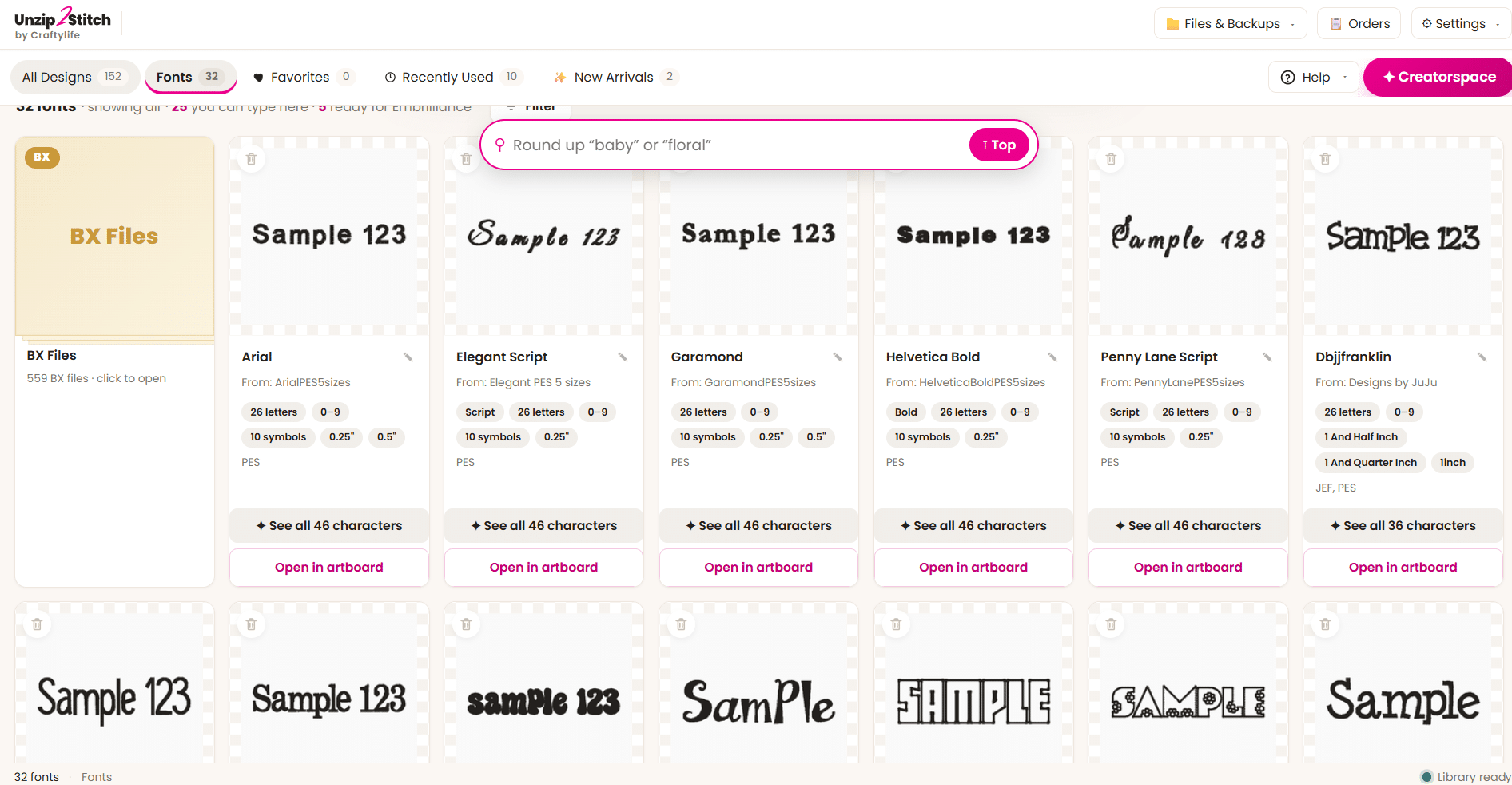
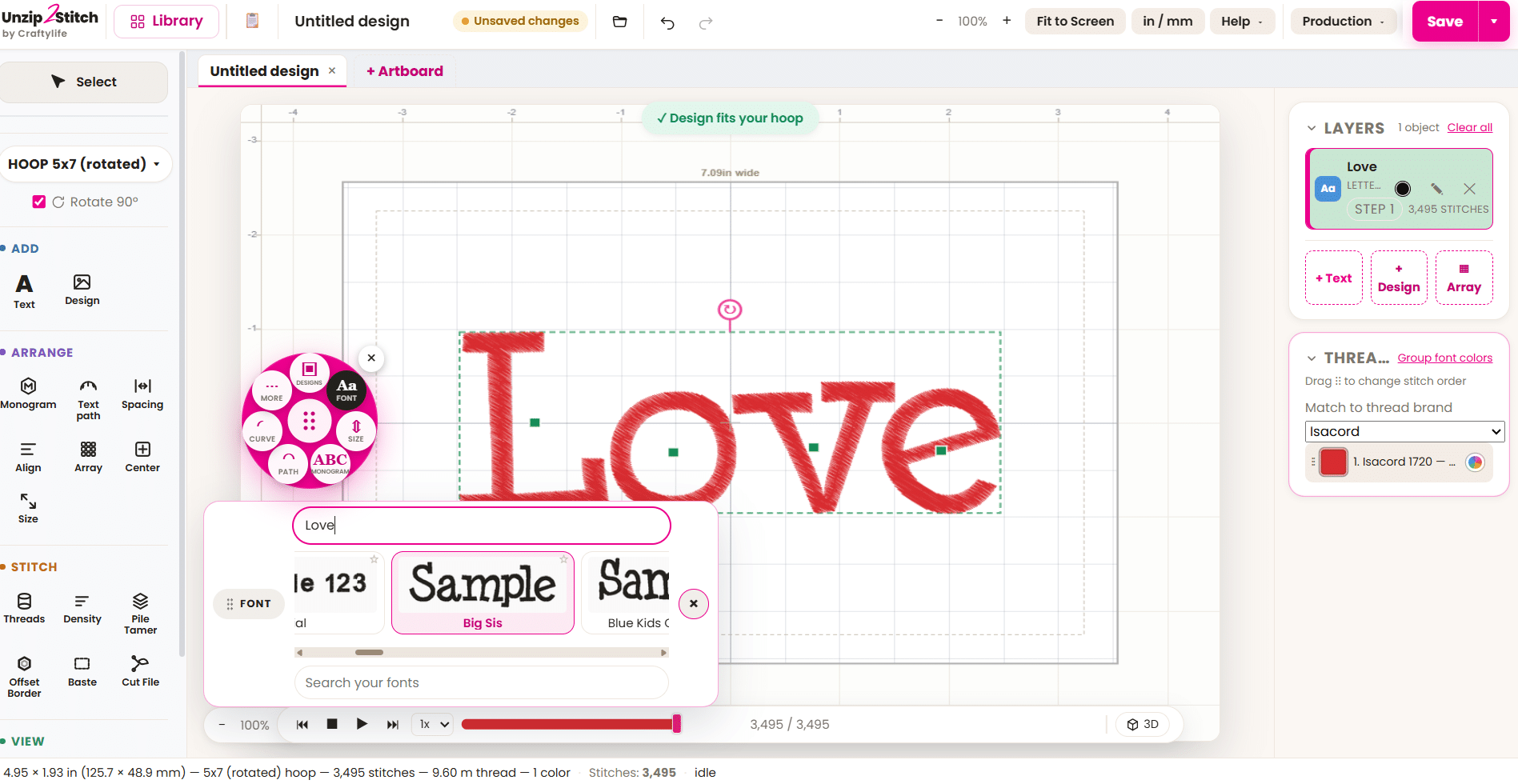
Gather supported individual stitch-file alphabets, such as PES or JEF, into one library. Browse your alphabets and type names, words and whole phrases with their supported letter files.
Free forever. Type as many lines as you like, save in any machine format (PES, DST, JEF, VP3 and more), and type with supported stitch-file alphabets you own. No trial clock. Nothing expires. Other formats: Third-party formats can be cataloged only. Unzip2Stitch cannot use them for typing, previewing, or stitching. If your alphabet purchase includes PES, JEF or another supported stitch-file copy, use that copy for lettering.
Windows & Mac (Apple Silicon) · free updates, forever
See how easy it is ↓
You’re all set. Here’s what Unzip2Stitch Creator adds.
The free Font Tool types with the fonts you own. Creator goes further — it finds every embroidery design on your computer (even the ones still zipped), shows them as pictures so you can finally see what you have, and lets you open them in Creatorspace to combine, letter, resize and finish — then save in your machine’s format.
See everything Creator unlocks →First time opening it?
Windows shows a quick safety warning the first time — totally normal, just click past it. Mac opens right up. 👇
🧊 Windows
- Unzip the file you downloaded (right-click → Extract All), then open the installer inside.
- A blue box says “Windows protected your PC.” Click More info.
- Click Run anyway. Done! 🎉
🍎 Mac (Apple Silicon)
- Open the download.
- Drag Unzip2Stitch into Applications.
- Open it — that’s it! No warning to click past. 🎉
Windows shows that warning because we’re a small shop, not a giant company. The app is safe.
Ready for the full studio later? See Unzip2Stitch Creator →
Free embroidery software that runs on your Mac — and Windows
Most embroidery software is Windows-only, so Mac owners get stuck. Unzip2Stitch runs natively on both — Mac (Apple Silicon, M1 or newer) and Windows 10 and 11 — and the free Font Tool works the same on either.
What the free embroidery software does
- Gather the individual stitch-file alphabets you already own — PES, JEF and other machine formats — into one library.
- Type a name, word or whole phrase instead of placing letters one at a time.
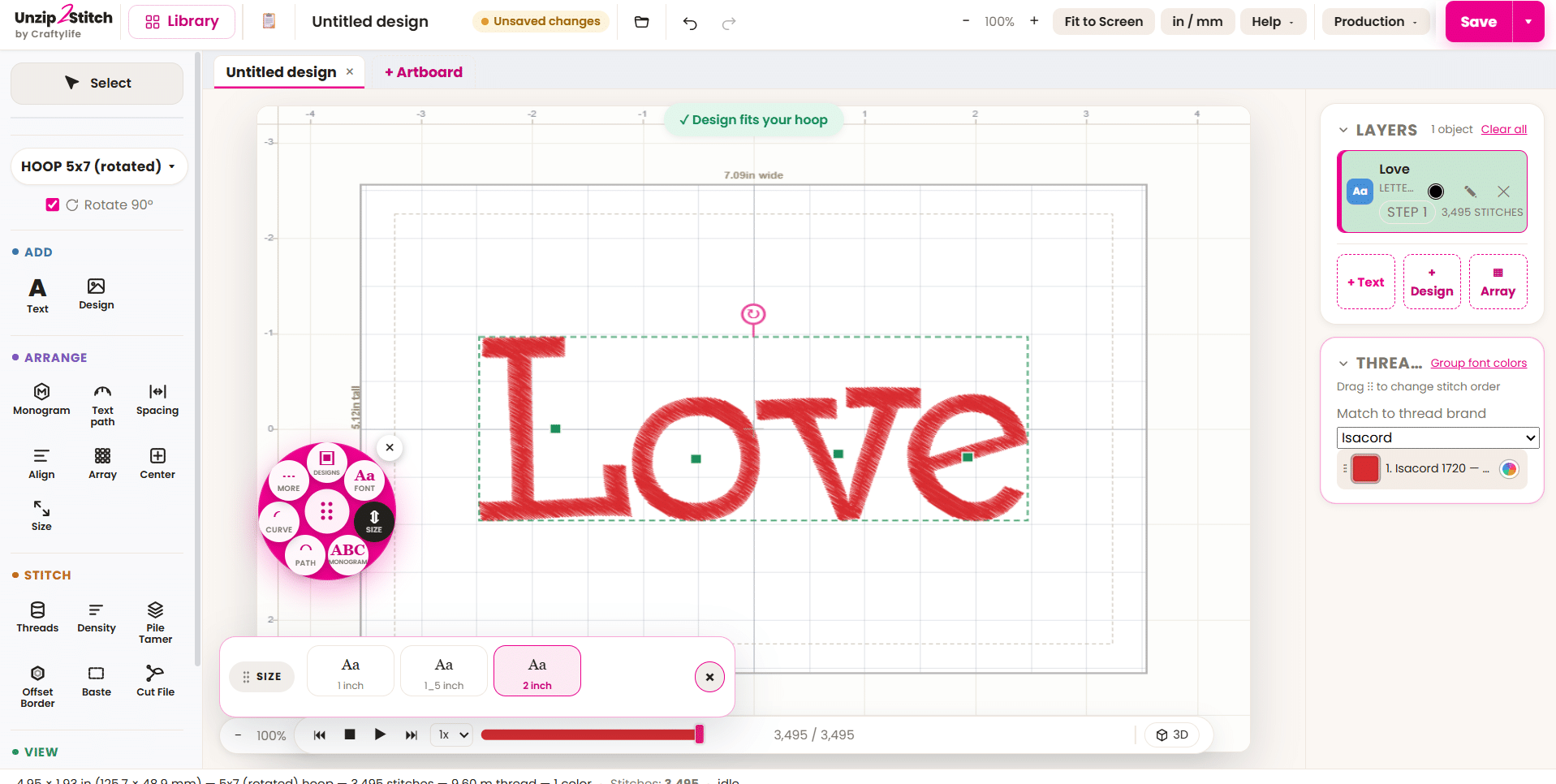
- Size it, then save in any machine format (PES, DST, JEF, VP3 and more).
- Everything stays on your computer. Your files are yours.
Is it really free?
Yes. The Font Tool is free to download and free to keep — no trial clock, nothing expires, and you can type and save as many lines as you like. When you’re ready to make designs, not just letter them, the full Studio is there — but you never have to.
Free embroidery software — common questions
Does it work on a Mac? Yes — Apple Silicon (M1 or newer), plus Windows 10 and 11.
What formats can it save? PES, DST, JEF, VP3 and more.
Can it open my Hatch, Wilcom or PE-Design files? No — it works with machine stitch files (PES, JEF, DST…), not another program’s native project files.
Comparing your options? See our honest roundup of the best free embroidery software →
